
One timestamp, two charts: making resource pressure readable
A CPU line and a workload band should describe the same moment when you drag either chart. That simple expectation requires keeping recorded time, display buckets and evidence coverage separate.
Published 26 October 2026. Hostwatch engineering review; implementation limits are stated below.
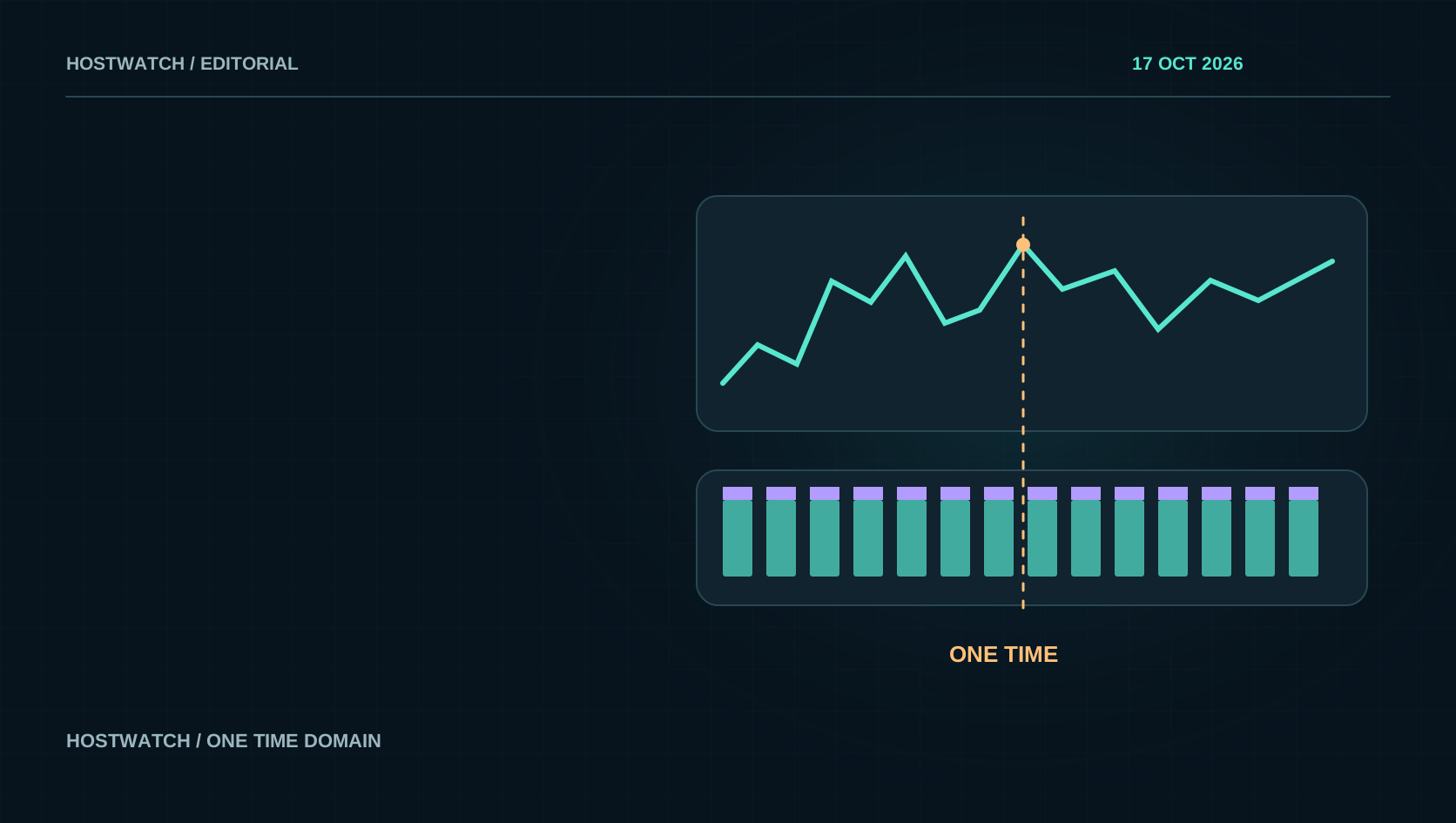
The cursor bug exposed a mismatch in time models
An operator could drag the upper resource chart and see a plausible selection, then drag the lower workload composition chart and see the upper cursor jump to the end. The lower chart selected a recorded timestamp; the upper chart looked for an exact timestamp among aggregated display points. Many original sample times had no exact representative in those buckets, so the fallback selected the final value. Each chart also derived its horizontal extent from a different array. The interaction looked like a gesture problem, but the underlying error was disagreement about time.
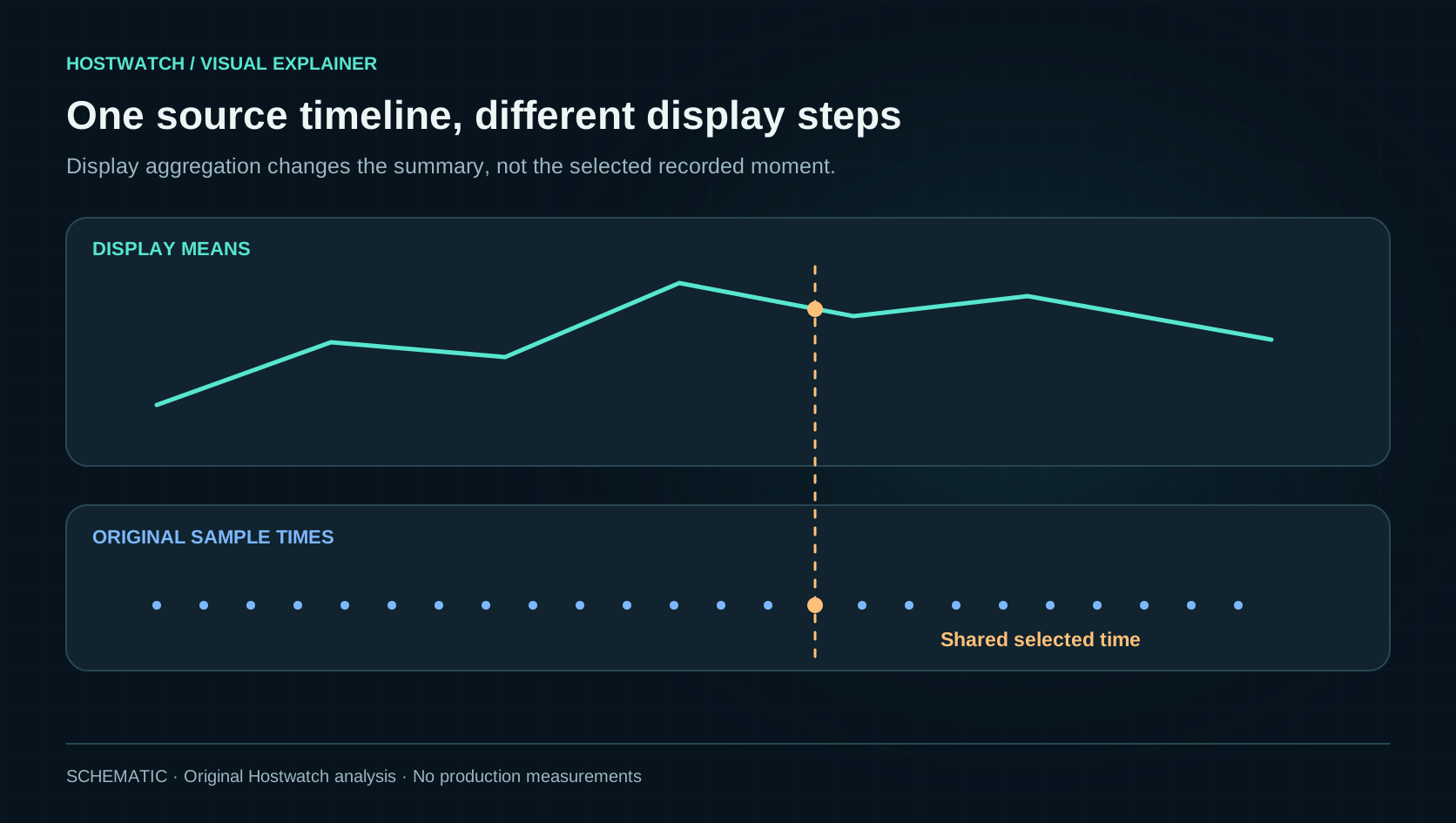
The fix uses prepared source history for the shared domain and for recorded-sample selection. Display aggregation changes the rendered values, not the identity of the selected moment. The upper cursor can intersect the displayed line within a valid continuous interval while the inspector retains the original selected sample. This article describes the implementation reviewed on 26 October; its earlier edition slot does not imply that the fix existed on that day. The lesson is to make the time model explicit before adding more visual detail to a linked chart.
Recorded samples and display buckets serve different jobs
Recorded samples are observations at specific times. Display buckets summarize groups of those observations so a long interval remains readable on a phone. A mean helps show a trend, while a raw peak helps reveal a brief maximum. Neither should quietly replace the other. If an operator changes the display step from five to fifteen minutes, the original evidence should remain available for inspection. The visual summary can become smoother without rewriting what was recorded or implying that the workload stayed at the mean for the entire interval.
Counts need an equally explicit aggregation rule. Request counts combine by addition; response latency needs the appropriate weighting for the recorded count and coverage. A finer visual step cannot manufacture data below the collector’s resolution. Hostwatch’s HTTP history retains its five-minute collection floor even when system-resource history can use a finer split. These are different evidence streams. Keeping the window and display step separate lets a user choose readability while preserving the source’s actual granularity, instead of offering a one-minute selector that merely repeats five-minute observations.
Link the charts through time, not array positions
Two series can cover the same hour with different numbers of points. One may arrive every minute, another every five minutes, and either can miss an interval. Matching the seventeenth item in each array does not identify the same moment. Convert the gesture to time in the shared domain, then select the relevant recorded evidence under an explicit rule. Preserve the same domain after a display-step change. When refreshed history extends or trims the interval, clamp the selection to the surviving source range rather than jumping to an unrelated final point.
This matters for accessibility as well as touch. Keyboard adjustment, VoiceOver and the sample inspector should agree with the visual cursor. A user should not receive a different timestamp merely because they reached the chart through another interaction path. Hostwatch’s regression coverage includes original timestamps absent from aggregated means, edges, gaps, one-sample histories and both drag directions. Those tests check a concrete relationship: the linked views inspect one moment. They do not claim that every resource change has a known process-level explanation or that the composition sample was captured at identical frequency.
A full workload band does not mean a full machine
A composition band normalized to 100 percent describes the split of its selected denominator. It can be full height while the host is lightly loaded, because the visible parts account for the whole recorded composition at that moment. The host’s utilization line answers a different question. Read the component’s actual CPU or memory value beside its share, and identify what is included in host processes or other workloads. Otherwise a visually dominant band can be mistaken for a saturated machine or an exact inventory of every running process.
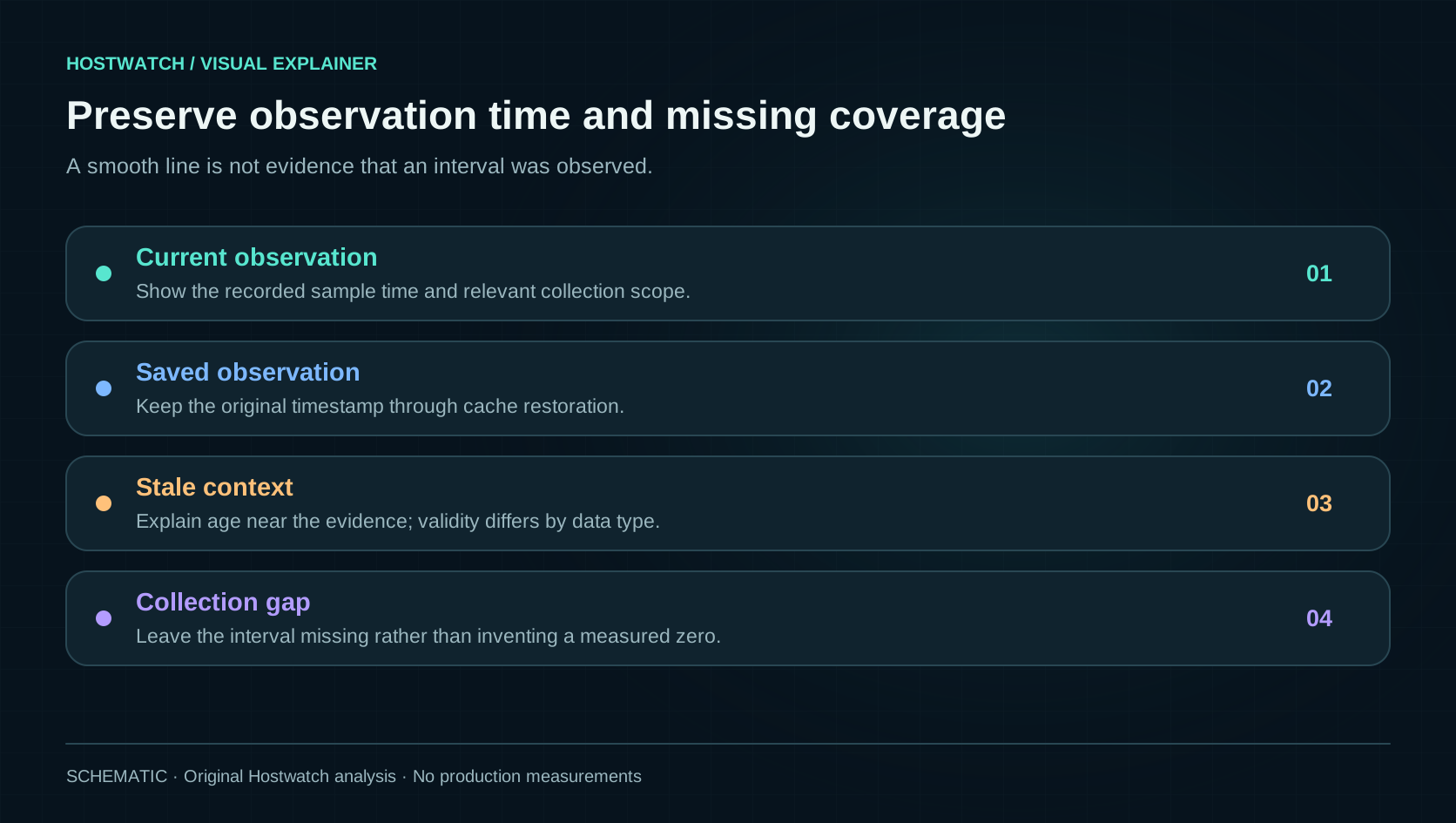
Workload snapshots also have their own observation time and coverage. Hostwatch retains that timestamp and applies its existing five-minute freshness rule rather than treating an old composition as live. A nearby snapshot can provide useful context, but it is not a trace proving that one container caused a particular second of latency. To investigate causation, follow the application, its dependencies and the relevant logs or request evidence. Linked charts should make that next step easier by aligning context; they should not convert correlation into a verdict.
Leave collection gaps visible
A line drawn across a missing interval can look like a measured recovery. The application may have been idle, the agent may have been unreachable, or storage may have missed samples. Those possibilities require different responses. Hostwatch does not interpolate a resource cursor intersection through a missing collection gap. The interface can still show the selected source time and explain that the line has no valid value there. That is more useful than a smooth decorative bridge that the inspector cannot justify with recorded observations.
Apply the same discipline to aggregates. If only part of a selected interval has evidence, label the coverage and avoid presenting the surviving samples as a complete census. Retained request examples have an additional sampling boundary: their paths and user agents may explain a pattern without describing every request counted in the day. A chart can be mathematically correct for its input and still mislead through its title or denominator. The design review must therefore inspect labels, units, sample times and missing-data behavior together with the line itself.
Preserve a useful observation while refreshing it
A monitoring app should remain useful when a refresh is slow or the phone loses its connection. The native app keeps bounded, account-scoped Overview and Traffic observations and short history across relaunch. A failed update preserves the last useful data, while the synchronization state and original observation time remain visible. Older evidence must not acquire a fresh timestamp merely because it was loaded from local storage. The narrow stale-data indication after five minutes gives the operator context without replacing the entire page with an empty loading screen.
This continuity is an observation feature, not authorization to act on old readiness. A service card can use saved inventory to open quickly while a migration preview still performs fresh server checks. An active attack claim has its own shorter freshness boundary. Different evidence types need different validity rules. Keep them near the information they qualify, preserve account and node scope, and invalidate what truly depends on a changed operation. One global last-updated badge cannot explain every chart, snapshot, action plan and retained request list in a monitoring product.
Use the chart to build a bounded investigation
Start with the selected server, interval and display step. Inspect the host trend, then select a recorded moment and read the workload snapshot’s own time and coverage. Compare a quiet interval with the reported slowdown, keeping raw peaks and bucket means distinct. Open the relevant service or resource detail before changing a budget. This sequence creates an evidence trail that can survive a switch between Overview, Dashboard and the recorded-sample inspector. The result should be a narrower question, such as whether a particular service was constrained or waiting on a dependency.
A useful infographic does not need to answer every operational question on one screen. It needs consistent time, truthful scope and a clear route to the next piece of evidence. That is why cursor alignment, gap handling and preserved state deserve engineering attention alongside visual polish. The implementation and regression notes make the current behavior inspectable. The next time two charts appear to disagree, first ask whether they describe the same moment and denominator. Fixing that contract often reveals the actual investigation hidden underneath the animation.
Use one source time domain for linked charts, keep display aggregation separate from recorded samples, and label freshness and missing coverage. Alignment helps investigation; it does not by itself establish causation.