
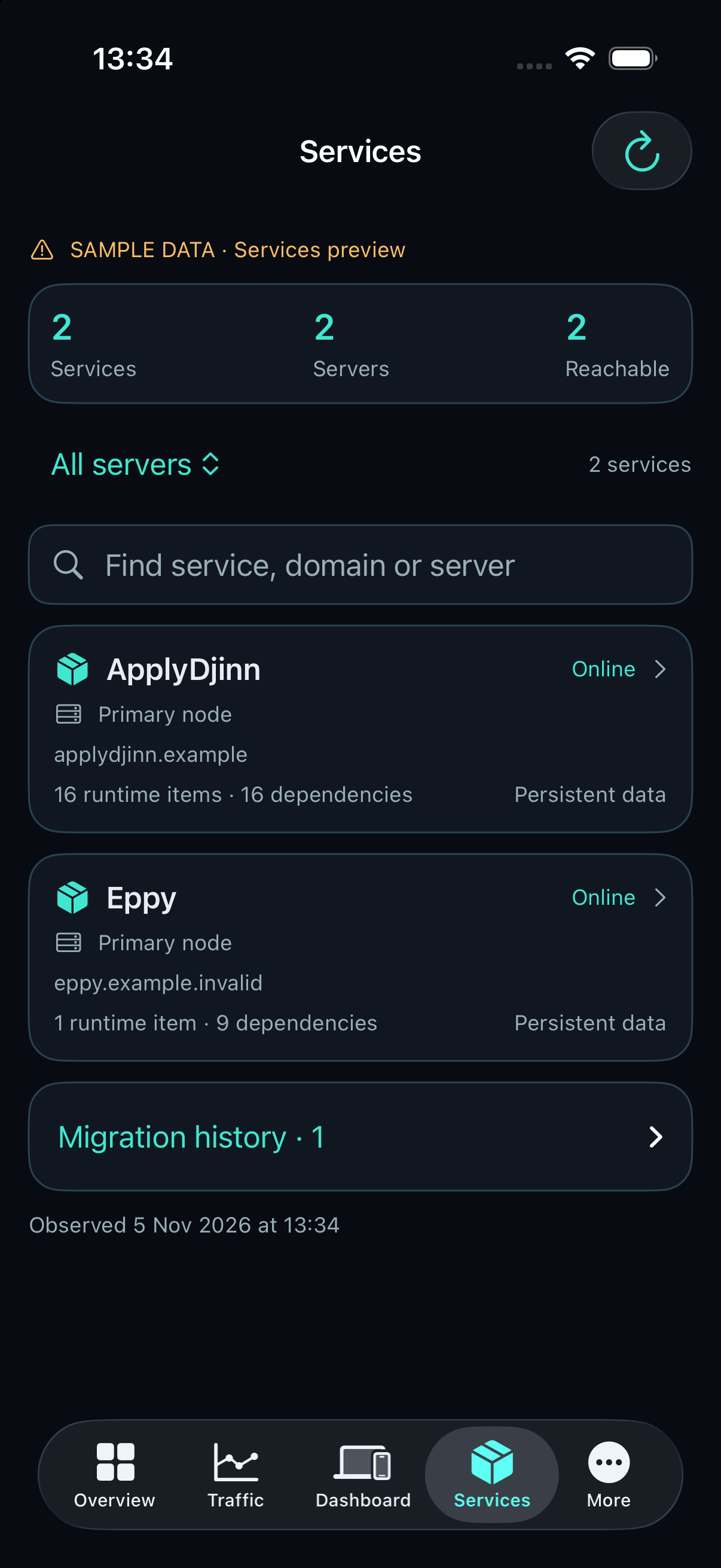
1. Find the service and choose one component
Start with servers and service_locations. Search by service name or domain; the result preserves each observed placement and its nodeId. A service may have several components, such as a website and a separate MCP process. Each configured component has its own targetId and preview calls.
Choose the component that should change. Selecting a website target does not replace its sibling MCP component. The agent control address can differ from the public ingress; verify authoritative DNS separately when routing is part of the task.
A missing profile remains a configuration requirement. An operator first supplies the approved source snapshot, trusted build recipe, fixed registry destination, persistent-data bindings, environment reference and health endpoint. Callers cannot submit shell commands, credentials, mounts or an arbitrary registry.
execute { operation: "service_locations", args: { query: "example.com" } }
execute { operation: "source_tree", nodeId: "SERVER_ID", args: { id: "web" } }
2. Choose partial or full source replacement
Read source_tree for relative paths, sizes, modes and hashes. Paginated manifest pages must share the same revision. Read source_file for a base64 file page and compare its hash with the manifest. Source access is owner-only.
Partial mode overlays the uploaded files on the approved current source tree. An optional deletePaths list removes explicitly named existing regular files. Files absent from the upload remain in place. Full mode builds an entirely new source tree from the archive; omitted files are absent. Full mode does not accept a deletion list.
These modes concern source files for the selected component. They do not replace application databases, persistent volumes, machine credentials or protected runtime configuration. Include the generated content and static assets required by the operator’s recipe when submitting a complete source archive.
3. Upload and preview the exact archive
Prepare a gzip-compressed tar archive containing relative regular files and directories. Do not include .git, dependencies, .next, credentials, private keys or environment files. Links, path traversal, special files and oversized inputs are rejected. Resource limits are returned with the configured target.
Calculate the complete archive SHA-256. Call source_upload with a stable uploadId, totalBytes, that hash, the current offset and a base64 chunk of at most 262144 decoded bytes. Reuse the same ID and exact bytes after a lost response. Continue until source_upload_status reports sealed.
Call source_preview with the upload ID, partial or full mode and any deletion paths. It validates the archive and returns the sourceDigest, sourceRevision, builderDigest and preview revision. A source alias changed independently of its approved snapshot requires operator reconciliation. Previewing does not build or deploy.
execute { operation: "source_preview", nodeId: "SERVER_ID", args: { id: "web", uploadId: "release-20261105", mode: "partial", deletePaths: ["obsolete.txt"] } }4. Build and inspect the staged result
Call source_build with the same request, sourceDigest as expectedDigest, preview revision as expectedRevision and a stable idempotencyKey. The owner needs hostwatch:write and confirm:true. The operator’s recipe and CPU/memory/network policy control the build.
Poll image_publish_status using that operation key on the same node. Inspect source_build_log for a build failure. A successful receipt includes builtDigest and sourceRevision. source_tree distinguishes the source image, staged image and deployed image; they may intentionally differ.
A successful build stages an image and advances the approved source snapshot. It does not change the running container. Do not report a live update merely because an archive was sealed or a build succeeded. Build history and uploads have quotas; discard unused uploads and superseded source trees with their exact receipts. Current and deployed source releases remain protected.
5. Publish and apply explicitly
Read image_publish_preview. For an absent registry tag use image_publish; for an existing tag use image_update or image_replace with its fresh publishedDigest as expectedPublishedDigest. Registry publication is a separate operation from application deployment.
Read deployment_preview immediately before applying. Use sourceDigest as expectedDigest and revision as expectedRevision with deployment_update or deployment_replace. The configured environment, ports, resource limits and persistent mounts are preserved by the approved profile. Recreating a component can interrupt connections; use its application-specific maintenance and recovery plan when required.
Poll the job to a terminal state. A failed health check attempts recovery of the previous owned deployment. rolled_back means the update failed and the prior deployment was restored; it is not a successful release. An unknown outcome requires inspection of the original job and actual runtime before another change.
Verify the serving component, image identity, health endpoint and representative user flow after success. Confirm that persistent data and sibling components still behave as expected. No repository push, CI job or automatic deployment trigger is needed for any of these steps.
Keep a concrete recovery path
Retain the previous image, source release and verified data backup according to the service’s recovery requirements. A container rollback does not reverse a database schema migration or reconstruct writes that an application accepted. Plan those changes separately.
After a lost response, recover the original upload or operation key. Never issue an identical uncertain change under a new key. For cleanup, use source_discard for an unused upload or source_build_discard for a completed superseded tree, passing its exact hash or sourceRevision. These operations do not prune application volumes.
Updating all components of a service means explicitly selecting and verifying each affected target and their compatibility. Full source replacement of one target is not an atomic multi-component transaction.