
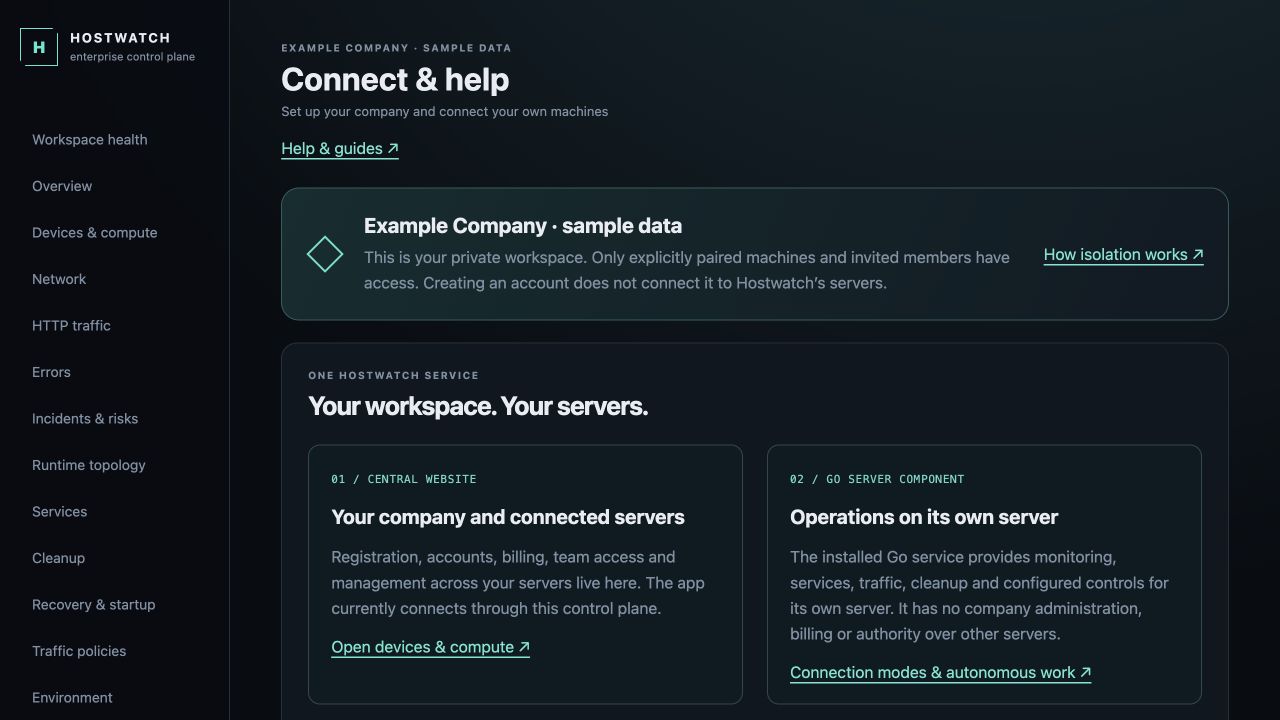
Choose the central service separately from Go Node
Go Node is the public installation component for one server. It does not include the central website, customer registry, account billing or fleet coordinator. Local authenticated API/MCP and terminal access remain server-scoped. Installing it does not connect your server to the Hostwatch operator’s infrastructure.
Hostwatch Cloud is a hosted company workspace: Solo $9.99/month or $99.99/year for one server; Team $29.99/month or $299.99/year for five; Scale $49.99/month or $499.99/year for ten. The mobile app’s supported purchase flow displays applicable store terms.
Self-Hosted Enterprise is a separate annual purchase: $1,490/year before applicable taxes for one installation, 10 nodes and 25 users, including detector and mitigator. Your infrastructure bill is separate. Order by contacting Hostwatch; the private package and signed license are delivered through an authenticated customer channel.
Receive a private package
The Enterprise archive contains the compiled website and API, a container build, Compose configuration, TLS proxy example and setup instructions. It contains no publisher signing key, hosted customer data, operator credentials or internal hosted capacity operator. The Go Node installer remains a separate delivery.
Verify the delivered archive checksum through your authenticated customer channel. Keep the archive outside any public web directory. Customers receive an installation license; public Node downloads do not grant the right to operate a central control plane.
Set your domain or IP and installation identity
Prepare a Linux server with Docker Compose, Node.js 24 LTS and an HTTPS origin under your control. A domain is simplest. An HTTPS IP origin requires a certificate trusted by your clients for that IP. Match the exact port if you use a nonstandard HTTPS port.
The setup command creates a unique installation ID, a session encryption secret and an owner bootstrap credential in a private environment file. It refuses to overwrite an existing file. Registration starts disabled and no local or operator node is enrolled automatically.
node setup.mjs https://monitor.example.com owner@example.com
docker compose up -d --build
Activate a one-year license
Send the installation ID and approved HTTPS origins to Hostwatch. The signed license identifies your customer, installation, validity, domain/IP origins, enabled modules and node/user capacity. It works without a remote licensing service.
Sign in at your own origin and open Account & nodes → License & deployment. Install the delivered JSON license. The official Enterprise package fixes its edition and verification key during packaging; changing runtime mode or an environment public key does not bypass activation.
An invalid, missing, future or expired license blocks operational API access. Login, account recovery and license installation remain available. Renewal grace lasts at most 14 days. An origin change requires reissuance; moving state to a new machine preserves the same single installation only when the original is retired.
Enroll each company’s own servers
Create or approve the company workspace, generate an enrollment key there and install Go Node separately on a server you control. Configure its HTTPS endpoint and prove the agent identity. The company starts with no machines and cannot choose another company’s servers by changing a request header.
To transfer a server, the acting owner must own both source and destination companies. Rotate the agent credential first: the old key must return an authorization denial, while the new key must prove the same agent identity. The transfer creates a fresh node ID and retains separate audit entries. Existing account memberships, shared variables and mesh permissions do not transfer with it.
A server transfer changes who controls that whole server; it does not sanitize old application data on the machine. Review the server contents and revoke any separate direct or mesh credentials before handing it to a different operator.
Point clients at your own control plane
The website and control APIs are served at your chosen HTTPS origin. Configure MCP and API clients with that origin and that installation’s own credentials. They do not reuse Hostwatch Cloud sessions.
Direct mobile-to-Go pairing is a separate planned mode. Mobile passkeys and App Store associated domains for arbitrary customer origins require separate client support. Web passkeys use the configured HTTPS origin. Check the client connection capabilities before deployment.
Renew, back up and upgrade
Keep an off-server backup of the Docker control-state volume together with enterprise.env. Losing the session encryption secret prevents recovery of stored credentials. Verify package checksums before upgrading; retain the previous image and use the same installation ID, origin and state.
Renew annually before expiry. Capacity increases and additional origins require a reissued signed entitlement. Hosted subscriptions, annual Enterprise licenses and infrastructure capacity are separate purchases. Managed capacity expansion is under evaluation and is not a public checkout option.