
INTEGRATIONS / 5 MIN READ

Connect MCP and control access

Authorize a client with OAuth, discover operations and use the same migration journal.

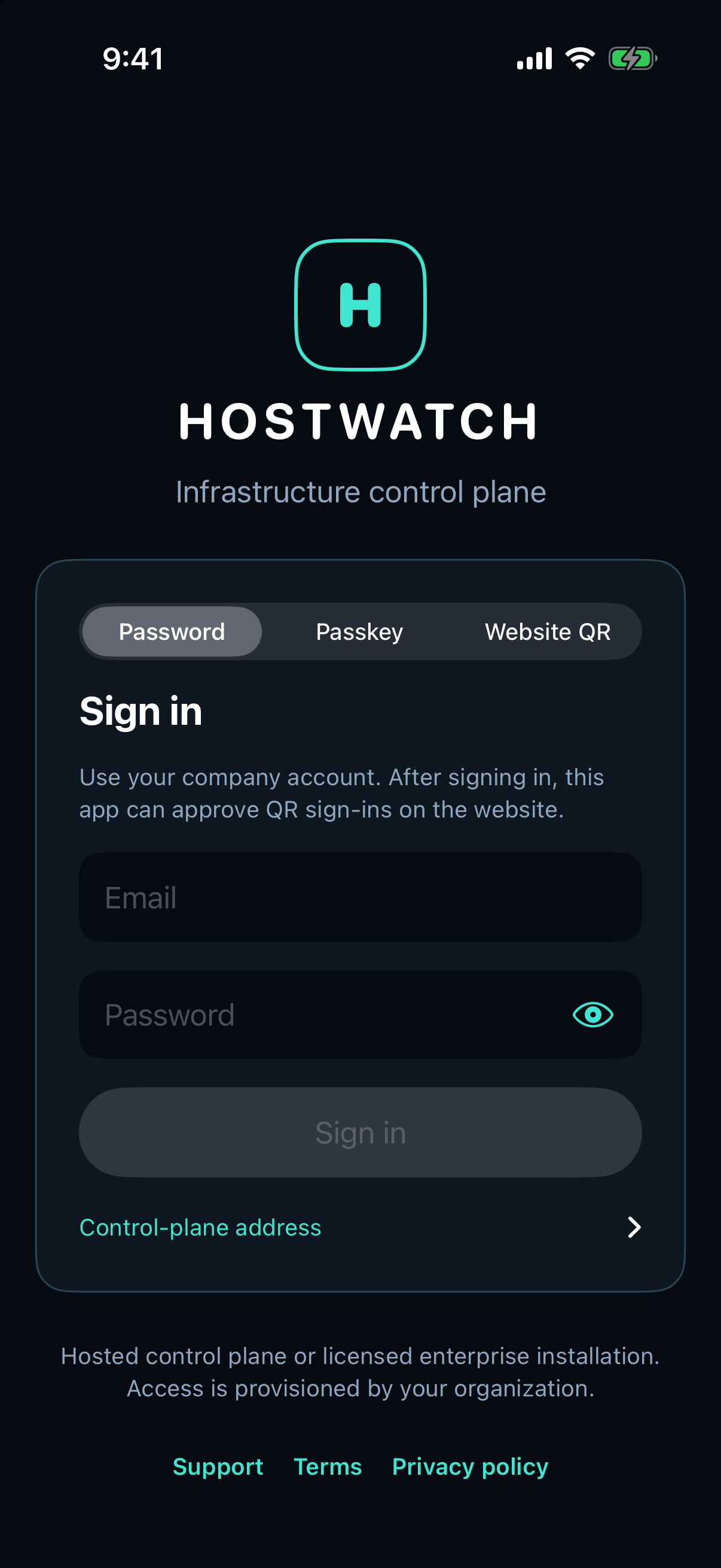
Hostwatch native sign-in screen
Hostwatch sign-in. OAuth authorization and connected-client revocation belong to your workspace.

Authorize your MCP client

Use the Hostwatch plugin or remote MCP endpoint at https://gethostwatch.com/mcp. Follow OAuth sign-in and approve the requested scope. An already signed-in iPhone can approve the supported QR sign-in flow.

No machine API key is handed to the MCP client. Its access belongs to your workspace and current membership.

Search before executing

Search the catalog by topic or category, then execute an exact operation name. Node operations accept nodeId. Workspace-wide Services and compute operations span nodes and omit it.

search { category: "services" }
execute { operation: "services" }

Review mutations and recover lost responses

Mutations require the appropriate role, write scope and explicit confirmation. Migration starts also bind the preview revision and a stable idempotency key. Read the resulting job until a terminal state is verified.

Do not retry an unknown outcome with a new operation key. Read its journal and inspect the servers first. Revoke stale clients under Organization → Connected MCP clients.

Interface screenshots with fabricated figures are labeled sample data. Your available actions depend on agent capabilities, installed recipes, workspace permissions and module entitlements.

Explore all guides →