
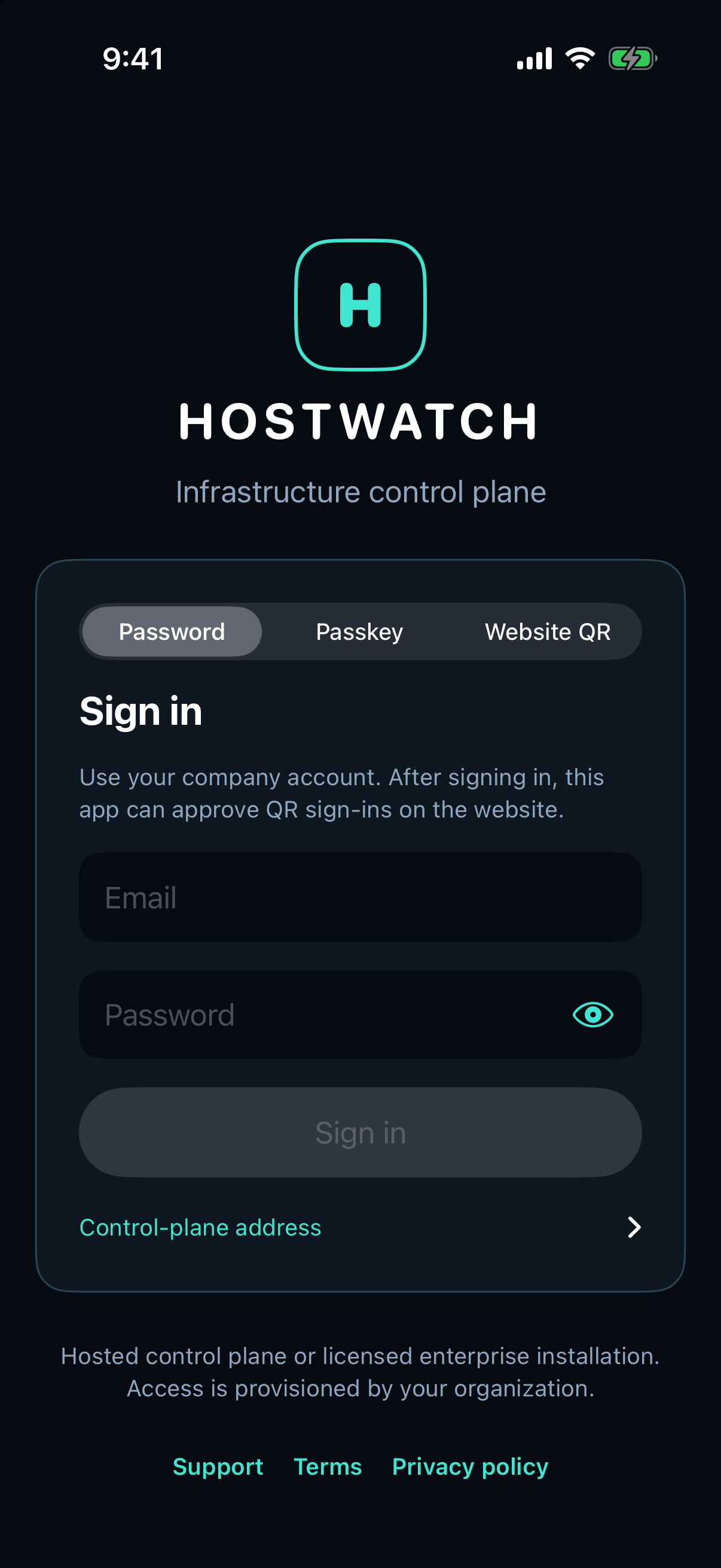
1. Open your workspace
Sign in at gethostwatch.com or in the Hostwatch app. A new workspace starts without machines. Use an invitation to join an existing workspace; a matching email domain does not grant membership.
- Sign in with your account, passkey or approved QR flow.
- Open Workspace and confirm the organization name.
- Use an owner account to enroll a machine.
2. Install and verify the agent
Open the first-machine connection flow and name the station. Generate a short-lived connection key. Follow the Linux package and setup commands shown for your installation.
The Go agent runs on the server you own. Store its key in a file readable only by the service. Expose the authenticated agent endpoint through your restricted HTTPS route.
- Install the package for the server architecture.
- Install the connection key and start the agent service.
- Enter the agent HTTPS endpoint and choose Verify agent.
- Confirm that hostname, resources and sample time match the intended server.
3. Check your first measurements
Overview shows the selected machine. Dashboard combines connected nodes. Services shows applications across those nodes. Database is in More on iPhone.
Check observation timestamps before acting. Unavailable data is different from a measured zero. If a server is offline, inspect connectivity and its agent service before changing the application.