
Reading an HTTP attack without losing real users
A request spike is a starting point, not a verdict. Connect complete counts, callers, routes and response outcomes before choosing a reversible protection.

A spike begins the investigation
Suppose a public route rises from a few hundred requests per five minutes to several thousand. The graph shows when the change began and how concentrated it was. It cannot say whether the cause was an attack, a broken client, a popular link, a crawler, or several things at once. Fix the time window first. Identify the destination and compare it with the rest of the site. A global total can hide one overloaded endpoint; a route total can hide healthy activity around it. The first useful question is what changed at the origin during the same interval.
Hostwatch brings request volume, response classes, application health and host pressure into one investigation. Compare latency and successful user sessions before and during the burst. Did upstream errors begin before clients timed out? Did one application instance saturate while other routes stayed healthy? A detector should describe the signals and the confidence of a hypothesis. It should never convert a large number directly into a permanent block. The distinction matters when a real product launch and a malicious burst arrive together: the chart contains both, while a careless rule harms both.
Complete counts and saved examples are different datasets
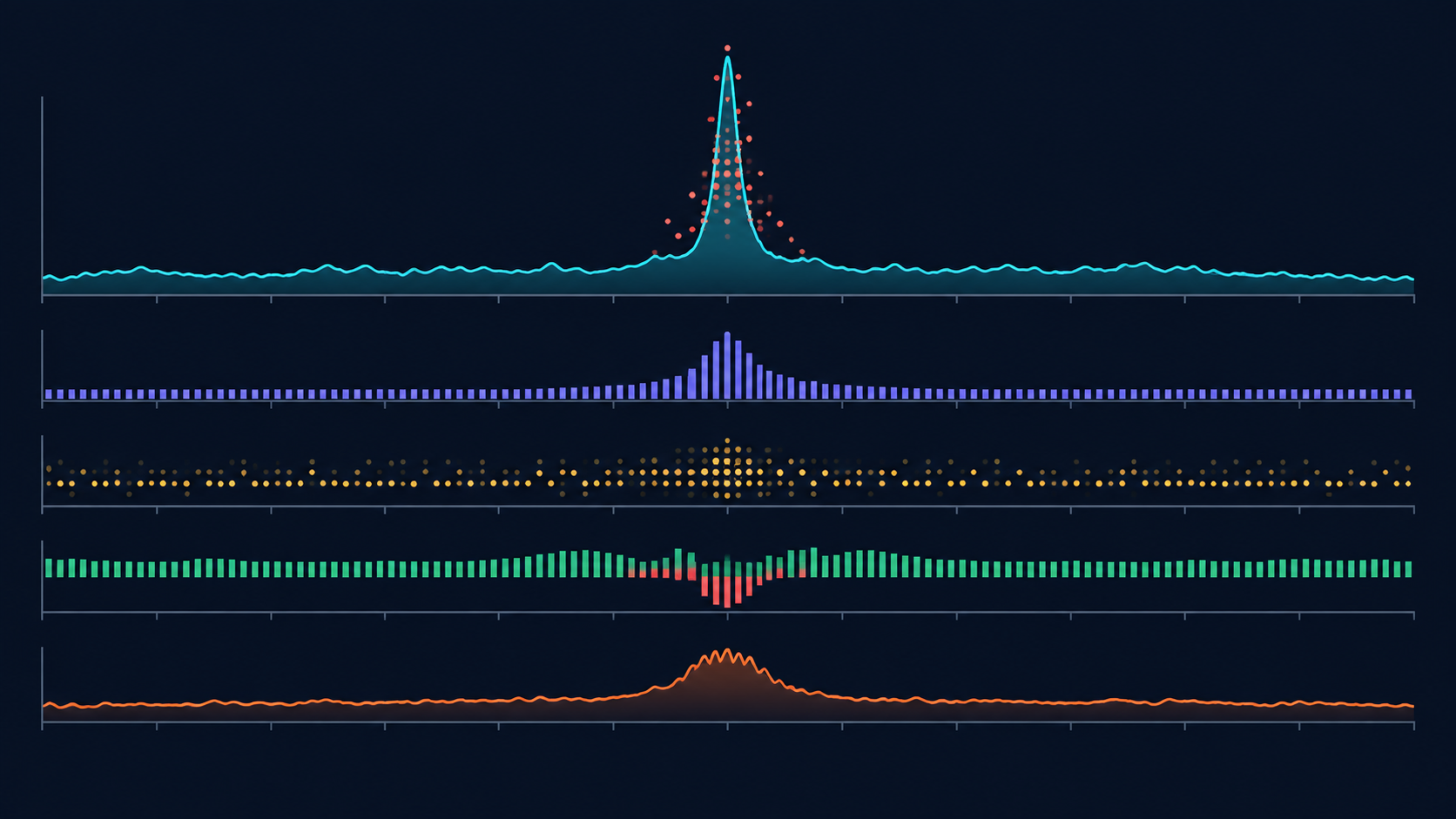
Traffic systems can retain aggregates for a selected window while keeping only a bounded buffer of individual requests. If one screen shows 39,000 recorded requests and another lists 200 saved examples, those numbers do not conflict. The first may cover the hour; the second describes request rows that remain available for inspection. A chart of destinations built from those rows is a sample chart, not a distribution of all 39,000 requests. The interface must label both scopes at the point of use, because even an experienced operator can read a polished graph as a complete breakdown.
Use full-window counters to establish scale, timing and response outcomes. Use saved rows to inspect exact paths, query shapes, headers and client addresses. A live buffer often favors recent traffic because older rows are overwritten; it can miss a rare but important request. When a historic path was not retained, say so. Do not reconstruct an exact IP, country or destination from a total that never stored those fields. Good incident notes include the window, evidence coverage and retention limit before they include a verdict. This simple habit prevents a common mistake: treating a handful of recent 504 examples as proof that every request in the spike failed the same way.
Caller, destination and Referer answer different questions
The destination is the host and path receiving a request. The network caller is the client or trusted local service that sent it. A Referer header names a page from which the client says the request originated. It does not prove which process sent the request. A browser loading JavaScript, images or API data from your own page may generate many public requests with a same-site Referer. A program can also supply that header deliberately. A server-side Next.js fetch made from the host can be internal even when it has no useful Referer.
Start caller grouping with observed network origin and trusted deployment context. A public IP belongs in public traffic even if its Referer is your own site. An identified service and a host interface belong in their respective caller groups. Then use Referer as another dimension that may explain navigation or browser resource loading. This prevents the misleading claim that “our server called itself 40,000 times” simply because a chart says “same-site referrers.” To attribute a surge to the frontend, inspect routes, user agents, session shape and server-side traces. To attribute it to a visitor, look for a real sequence of page and resource requests, rather than assuming one request equals one visit.

Read request shape as well as rate
A crawler walking public pages, a browser prefetching data and a script enumerating paths can all run quickly. Their shapes differ. Count distinct paths per client, sequential path guesses, repeated misses, changing query combinations and retries after errors. Compare the same behavior across independent addresses. A uniform request or packet size can strengthen a hypothesis, but is weak by itself: legitimate clients request identical assets and framework endpoints all day. Packet length should be a temporary feature inside a wider decision, not an identity that earns a durable block.
On an expensive search route, compare filter combinations and upstream work with ordinary interactive use. Many unique query strings can bypass a simple cache and force repeated computation. They can also reflect a genuine user population. Does one client change parameters faster than a human could? Do many new clients arrive in coordinated waves? Do sessions continue to other pages? Does the expensive route create a database bottleneck? Retain enough evidence to explain a decision while avoiding unnecessary raw query storage. The operational goal is to isolate the pattern that creates pressure, not to punish everyone using the route.

Failures are observations, not automatically successful blocks
A response chart reports what happened at the HTTP layer. Nginx 499 means the client closed its connection before the server sent a response. It may follow a slow upstream, a client timeout or a visitor navigating away. A 504 suggests an upstream or gateway timeout and is a reason to inspect application timing. A 429 may be produced by Nginx or by the application. Nginx 444 closes a connection without an HTTP response. None of those numbers alone identifies a particular protection rule or proves that an attacker was stopped.
Correlate each change with access and error logs, upstream latency, application errors, resource saturation and installed rule state. Separate “received a 429” from “matched our rate limit.” If a rule ID, generation and match counter exist, show them beside the observed response. If they do not, call the result unverified. During an incident, confusing overloaded 504 responses with blocked attackers leaves the actual bottleneck untouched. Meanwhile real visitors may wait, cancel or retry, creating more traffic and more 499 responses. An honest dashboard should make this feedback loop visible rather than coloring every failure as a defensive win.
Verify bot identity before granting trust
A User-Agent is a claim. It can say “Googlebot,” “browser,” or anything else without proving who controls the source. Verification needs the provider’s published IP information or documented reverse and forward DNS procedure. A verified crawler is still not automatically harmless to an overloaded origin; it may require a crawl-rate conversation or a narrow temporary policy. A client with no known crawler claim is not automatically hostile either. Search previews, uptime checks and integrations may produce unusual but legitimate patterns.
Show evidence behind a bot label: observed address, claimed identity, verification status, route behavior and confidence. An unverified claim stays a claim. For a suspected address sweep, expose path count, speed and the ratio of real routes to misses. For a concentrated application burst, show timing and cost. This lets an operator distinguish enumeration, scraping, an accidental client loop and distributed pressure without relying on an opaque score. When coverage is incomplete, label a classification “suspected” and allow more observation. A wrong block of a genuine indexer or customer integration can outlast the traffic spike that prompted it.
Choose the smallest reversible protection
An effective response narrows harmful pressure while ordinary visitors finish their work. Begin with the specific site and route. Consider request cost, client behavior and a short expiration. A soft rate limit or challenge may be safer than a country-wide block. A known abusive address can justify a brief address-level action, but mobile carriers, offices and proxies share addresses. Country is particularly coarse: use it as a review dimension, not an automatic guilt signal. Preview what a candidate rule matches, who might be affected, when it expires and how to undo it.
Apply a typed, auditable change. Record the operator or delegated policy, the reason, the expected reduction and the rollback condition. Verify that the intended generation reached the enforcement layer. A dashboard count of 429 or 444 observations does not establish that the new action worked. Compare accepted sessions, application latency and critical user flows with the interval before the change. If good traffic falls sharply, reduce scope or roll back. The detector may suggest an action; the mitigation layer owns its lifecycle. This separation matters when the detector is uncertain and real users share characteristics with a suspect cohort.

Close the loop with measured outcomes
After an action, compare matched requests, accepted requests, upstream errors and latency at the same resolution as the original spike. Watch for displacement to another route or host. Check whether 499 and 504 counts fall because the origin recovered or merely because fewer clients reached it. Success is not the largest blocked count. It is restored service with an acceptable, measured impact on legitimate use. Preserve the candidate signal, approved action, installed state, expiry and post-action observations as separate records; each answers a different question during review.
Turn the incident into a practical improvement. Cache repeated expensive results where semantics allow it, cap pathological query cost, fix a client retry loop, or add capacity if the workload was real. Tune detector thresholds with the false positives you actually saw. Keep temporary rules temporary. The next incident should begin with a clearer baseline and fewer unknowns, not a longer permanent deny list. Hostwatch is most useful when it can explain the full chain: what was observed, what was inferred, what was changed and what happened afterward. That chain is how a team protects its service without treating every unusual visitor as an enemy.
Treat each signal as evidence with a scope and a limit. Protect the affected route briefly, watch ordinary users, and verify the installed action and outcome.